More schools, universities and companies now teach online, and the choice of e-learning platforms is wide. They differ a lot in usability, features and real cost. This article explains what an e-learning platform is, the hidden costs of choosing the wrong one, how the main options compare, and ten criteria to check before you decide.
What is an e-learning platform?
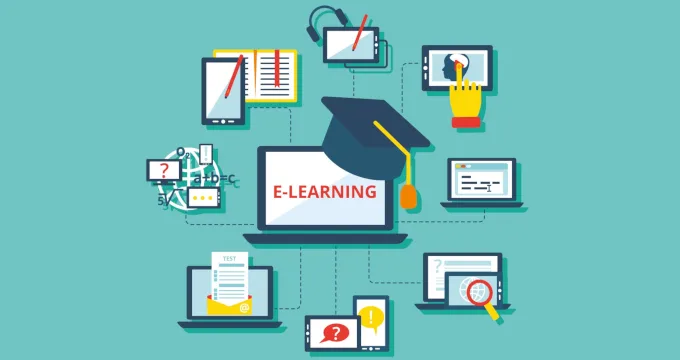
Many people use "e-learning platform" and "learning management system" (LMS) as synonyms. They overlap, but they aren't the same. An LMS administers learning: documents, grading, attendance and performance reports. An e-learning platform is a wider environment for delivering content, such as virtual classes, video, chats and discussions. Most products on the market combine both.
A student information system (SIS) is different again: it keeps student records and school administration, and an e-learning platform usually needs to connect to it.
Typical features
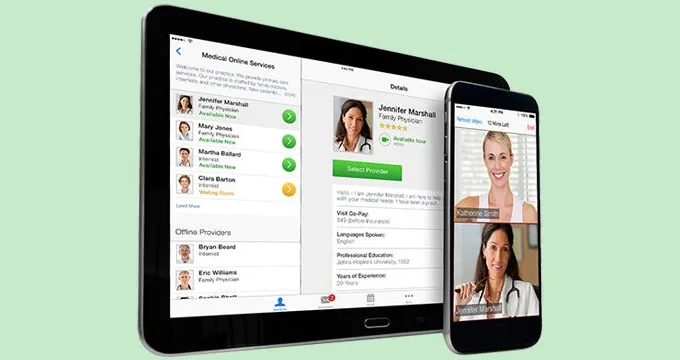
Virtual classrooms. Live and on-demand video, chat and discussion, with tools for feedback and Q&A.
Knowledge assessment. Tests and grading that work without the teacher in the room.
Administration. Progress and attendance tracking, report cards and expense tracking.
Data analytics. Reports that turn platform data into insight for teachers and administrators.
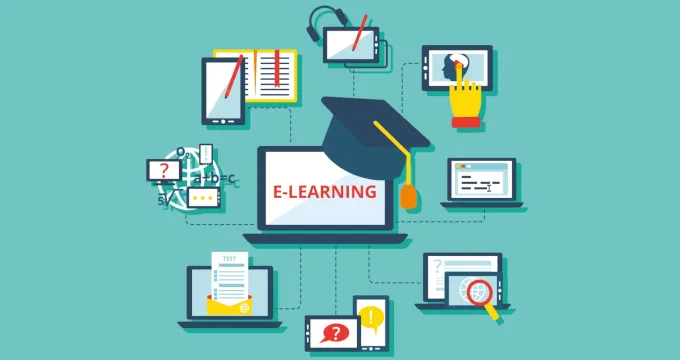
Other common features include mobile apps, forums, file sharing, calendars, messaging, push notifications and quizzes.
The hidden costs of choosing the wrong platform
The license fee is the visible cost. The hidden costs show up later:
- Paying for unused features. Complex platforms charge for tools nobody uses.
- Workarounds for missing features. Teachers fill gaps with extra tools, and data ends up scattered.
- Duplicate data entry. Without SIS integration, grades and attendance are typed twice.
- Failure at peak load. A platform that can't handle everyone logging in at once breaks on the first busy day.
- Migration later. Switching platforms after a year means moving content, records and users again.
Off-the-shelf, customized and custom platforms compared
- Off-the-shelf LMS: lowest cost to start; launch in weeks; standard features only; integrations limited to what the vendor supports; vendor controls the roadmap and data storage.
- Customized LMS: moderate cost; launch in weeks to months; standard core plus your own modules; more integration options; shared control.
- Custom platform: highest cost to start; months to build; built around your workflows; integrates with any SIS or system you use; full control over data and roadmap.
Ten things to check before you choose
- Content formats. Does the platform support your audio, video and text formats?
- Unnecessary features. Will you pay for tools you don't need?
- Missing features. Does it support your learners, for example game elements for young students or full online courses for corporate training?
- Mobile access. Does it work well on phones, tablets and all major operating systems?
- Security. How does it protect students' personal data?
- Scalability. Can it handle growth and peak logins without slowing down?
- Usability. Is the design clean and navigation simple for students and teachers?
- Hybrid learning. Can some students join a class online while others attend in person?
- Integrations. Does it connect to your SIS and other systems so data is entered once?
- Cost and payment terms. Is pricing clear and does it fit your budget over several years?
From our work
For more than ten years, VARTEQ has been Follett's engineering partner on Aspen, a student information system for K-12 districts, including curriculum management, parent and student portals, and reporting. We also built Prosvita, the online learning platform that moved Ukrainian public schools online in 2020 with live lessons, scheduling and gradebooks, and reached 200,000+ users. Both show what matters most in practice: reliable integrations, and a platform that holds up when everyone logs in at once. Read the Follett case study and the Prosvita case study.
Frequently asked questions
What is the difference between an LMS and an SIS?
The LMS runs learning; the SIS keeps student records and administration.
Should we build our own e-learning platform?
Only if standard platforms can't support your workflows, integrations or scale.
What matters most when choosing a platform?
Integrations, ease of use for teachers and students, and control over your data.
Final thoughts
There is no single best platform, only the one that fits your learners, systems and budget. When off-the-shelf tools don't fit, a custom or customized platform built with an experienced partner can. VARTEQ builds education platforms and custom software. Read also: Top 5 Reasons to Embrace E-Learning and Learning Analytics: How Schools Turn Platform Data Into Better Outcomes. Contact us to discuss your platform.